Editing with Clipchamp
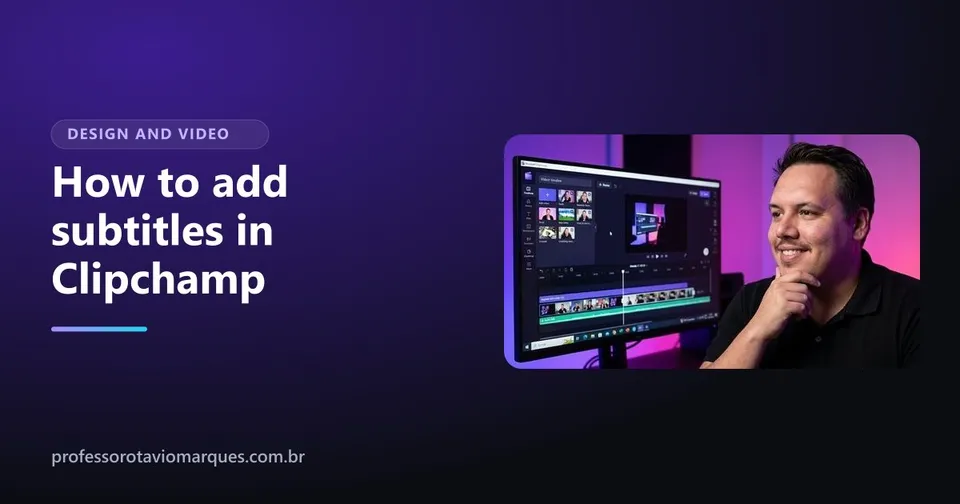
How to add subtitles in Clipchamp: automatic, free and editable
Learn how to add subtitles in Clipchamp with auto captions: generate them, fix mistakes, change the style and export.
Design and video
Learn to edit videos with Microsoft's free video editor and publish on social media with a professional look.
With Otávio Marques, instructor with 1,800+ students on Udemy
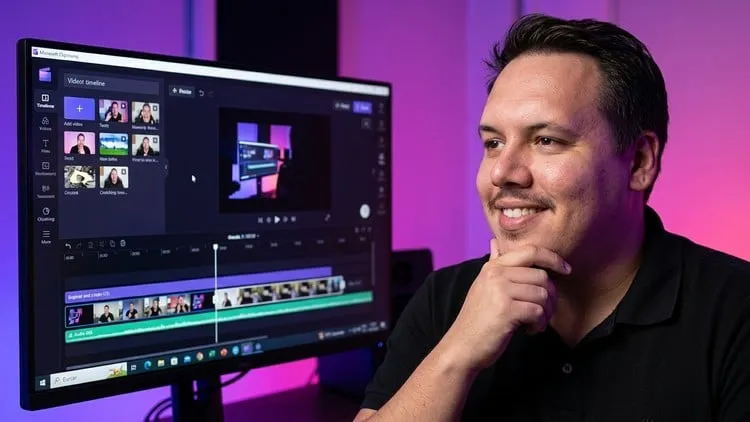
Clipchamp is Microsoft's video editor. It comes with Windows and also runs in the browser. This Clipchamp course teaches, from zero, everything you need to edit videos for social media, for your business or for YouTube.
You learn to cut and join clips, add transitions, music and captions, use the AI features and export in the right format for each platform.
7 sections, 19 content lessons, 2 hours in total. Lesson titles translated from Portuguese.

Your instructor
Digital marketing, design and web building instructor
I have been working on the web since 2010, have delivered over 100 websites, and I teach what I use every day with clients: Instagram that sells, websites that show up on Google, design and video. I have 1,800+ students on Udemy.
Read my storyEditing with Clipchamp
Learn how to add subtitles in Clipchamp with auto captions: generate them, fix mistakes, change the style and export.
Editing with Clipchamp
Is Clipchamp free? See what the free plan includes, what only Premium unlocks and whether it works for your business videos.
No. The course uses the free version of Clipchamp and shows how to create a free account.
The lessons are recorded in Portuguese, with automatic Portuguese captions. There are no English captions yet, so watch the free preview on Udemy before buying.
Watch the free preview and see the price on Udemy.
Taught in Portuguese
See the course on Udemy Earlier version
 New release
![Cover of the course WordPress + Elementor Program [3 courses in 1], with instructor Otávio Marques](/img/curso-wordpress-e-elementor-0.07a-750.webp) Most complete
Most complete