Is Clipchamp free? What you can do without paying anything
By Otávio Marques · · 3 min read
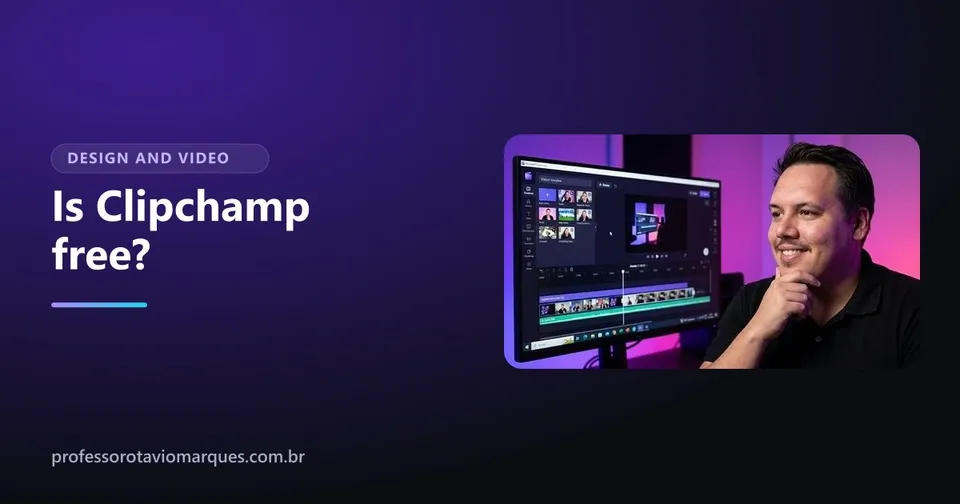
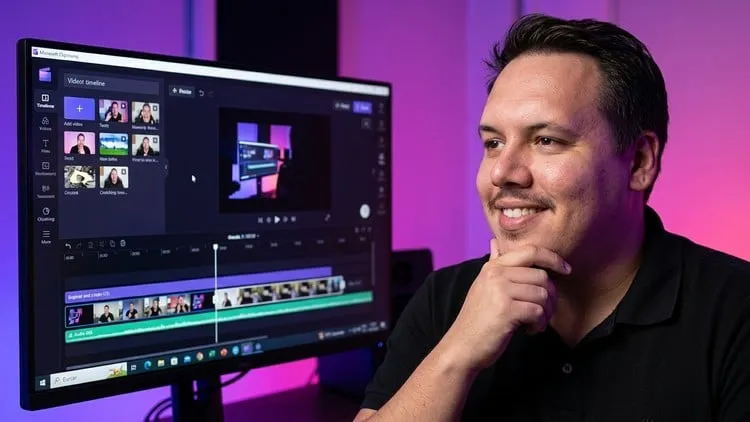
Yes, Clipchamp is free. It is Microsoft's video editor, and all you need is a personal Microsoft account, in the browser or in the Windows app. And the free plan is not a trial: you can edit and export complete videos, in Full HD and without a watermark.
So, is Clipchamp free for everything? Not quite. There is a Premium plan, but most people making videos for social media or for their own business will never need it. Here is exactly where the line between the two falls.
What the free Clipchamp plan includes
According to the plan comparison published by Microsoft (checked in September 2026), the free plan includes:
- Exports up to 1080p, which is Full HD, the resolution used on Instagram, TikTok and most of YouTube.
- No watermark on exported videos.
- AI editing tools, for video and audio.
- Cut, crop, resize and rotate your files.
- Screen, camera and voice recorder.
- Animated text and titles.
- Audio-only export.
- Content backup.
- Free stock images, videos and music, plus free filters and effects.
For a Reel, a tutorial, a company intro video or a simple ad, that is everything you need.
What only Premium unlocks
Clipchamp Premium comes with Microsoft 365 Personal and Family plans. It adds:
- 4K exports.
- Premium stock media, with royalty-free images, videos and music.
- Premium filters and effects.
- Brand kit, to save your logo, colors and fonts and apply them to every video.
If you already pay for Microsoft 365 Personal or Family, check it: you may already have Premium without knowing.
Clipchamp is free, but is it good?
For beginners, it is one of the best options, for three reasons:
- It is simple. The screen is clean and the logic is drag to the timeline. In one afternoon you can edit a full video.
- It does not need a powerful computer. Since it runs in the browser, it works well on modest machines.
- It comes with Windows. You do not have to download anything from unknown websites.
Professional editors, like the ones used in film and production companies, have more features. But they also have a much steeper learning curve, and for social media video that extra power rarely makes a difference.
What kind of video it is good for
- Reels, Shorts and TikTok videos.
- Company or product intro videos.
- Tutorials recorded from the computer screen.
- Videos with AI voiceover, when you do not want to record your own voice.
- Simple social media ads.
One thing it does very well and almost everyone needs: automatic subtitles. See how to add subtitles in Clipchamp.
Where it may fall short
If you work with video professionally, need advanced color grading, many effect layers or 4K delivery to clients, you will miss features. Then the path is Premium or a professional editor.
How to get started
Create your free account, import a video recorded on your phone and try cutting it, adding music and subtitles. If you want a guided path, the Clipchamp course uses the free version and goes from zero to exporting for social media, including the AI features. The lessons are in Portuguese, with automatic Portuguese captions. And for ideas on what to record, see what to post on Instagram for business.
Frequently asked questions
Does Clipchamp add a watermark?
No. According to Microsoft's official plan comparison, exports have no watermark on the free plan either.
Do I need to install Clipchamp?
It is not required. It works in the browser. On Windows, it can also be used as an app.
What is the difference between Clipchamp free and Premium?
Premium exports in 4K, unlocks premium stock images, videos and music, extra filters and effects, and the brand kit. It comes with Microsoft 365 Personal and Family plans.
Want to go further?
Video Editing with Clipchamp | Free App
- Understand what Clipchamp does and which videos it is good for
- Create a free account and install Clipchamp on your computer
- Cut, trim, join and split videos
Taught in PortugueseThe lessons are recorded in Portuguese, with automatic Portuguese captions. There are no English captions yet, so check the free preview on Udemy before buying.

Otávio Marques teaches digital marketing, design and web building, has worked on the web since 2010 and has 1,800+ students on Udemy. Meet the instructor.
Keep reading
Editing with Clipchamp
How to add subtitles in Clipchamp: automatic, free and editable
Learn how to add subtitles in Clipchamp with auto captions: generate them, fix mistakes, change the style and export.

Instagram that sells
Instagram bio for business: how to write 4 lines that sell
How to write an Instagram bio for business in 4 lines: what you do, who you serve, why trust you and how to contact you.
Instagram that sells
What to post on Instagram for business: the 4 post types that sell
Not sure what to post on Instagram for business? Use the 4 post types that sell: questions, proof, behind the scenes and offers.