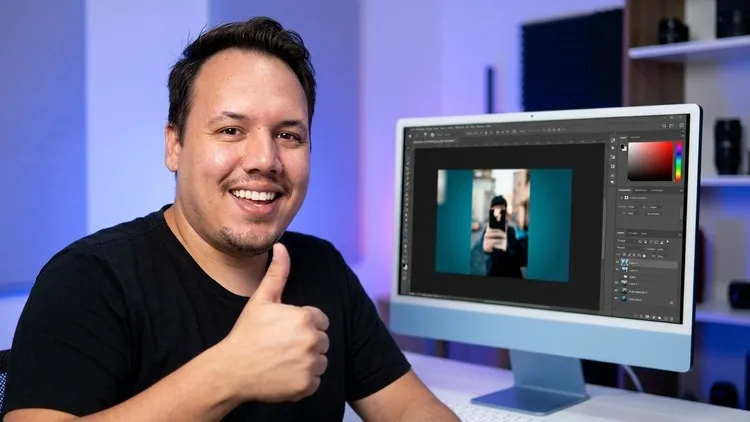

Photoshop basics
How to colorize a black and white photo in Photoshop: AI and by hand
Learn to colorize a black and white photo in Photoshop two ways: with the Colorize neural filter and by painting with layers.
Design and video
Learn Photoshop from zero: essential tools, photo editing and tips that work in any version of the program.
With Otávio Marques, instructor with 1,800+ students on Udemy
This Photoshop course for beginners is for people who want to learn but freeze every time they open the program. It is short and clear: you get to know the interface, learn the tools you will really use and move straight to practice.
There are three guided photo edits, two composites, the filter gallery and a full lesson on colorizing a black and white photo.
6 sections, 17 content lessons, 2 hours in total. Lesson titles translated from Portuguese.

Your instructor
Digital marketing, design and web building instructor
I have been working on the web since 2010, have delivered over 100 websites, and I teach what I use every day with clients: Instagram that sells, websites that show up on Google, design and video. I have 1,800+ students on Udemy.
Read my storyPhotoshop basics
Learn to colorize a black and white photo in Photoshop two ways: with the Colorize neural filter and by painting with layers.
Yes. To follow the lessons you need Photoshop on your computer.
The tools it teaches are still in the program and work the same way. What changed is the look of the interface, because the course was recorded in an earlier version. A new version is in production.
The lessons are recorded in Portuguese, with automatic Portuguese captions. There are no English captions yet, so watch the free preview on Udemy before buying.
Watch the free preview and see the price on Udemy.
Taught in Portuguese
See the course on Udemy
 New release
![Cover of the course WordPress + Elementor Program [3 courses in 1], with instructor Otávio Marques](/img/curso-wordpress-e-elementor-0.07a-750.webp) Most complete
Most complete