What is a lead capture page and why it beats your homepage
By Otávio Marques · · 3 min read
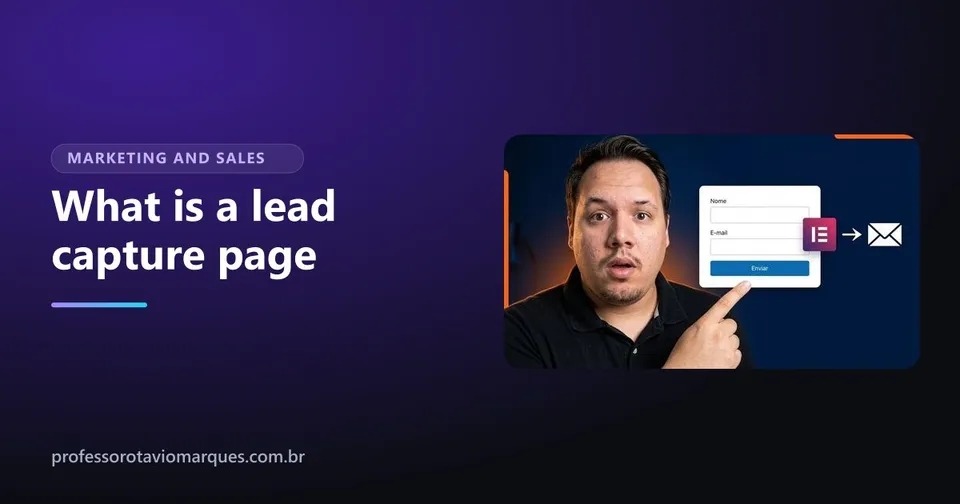
If you have ever downloaded a free ebook, signed up for a free class or received a spreadsheet after leaving your email, you went through a lead capture page. So, what is a lead capture page? It is a page with a single goal: trading something useful and free for the contact details of whoever visits.
It sounds simple, and it is. But it is one of the most powerful tools in digital marketing, because it turns an anonymous visitor, who was about to leave and never come back, into a contact you can talk to.
How a lead capture page works
The flow has four stages:
- The person arrives at the page from an ad, a post, a link in your bio or a Google search.
- They see the offer: free material that solves a problem they have.
- They fill in the form with their name and email (sometimes their phone).
- They land on the thank-you page and receive the material. The contact goes into your list.
From then on, you no longer depend on them remembering you. You have a way to reach them.
What is a lead capture page, and what it is not
The difference from a regular website is focus. A website has a menu, several pages, several paths. A lead capture page has one path only: filling in the form. No menu, no links to other pages, nothing that pulls attention away.
That is why it converts more. A well-built website may turn a small share of visits into contacts. A good capture page, with an offer people want, usually turns many more, because there is only one thing to do.
What to offer in exchange for contact details
The free material, which marketers call a lead magnet, needs to be useful and quick to consume. Some formats that work:
- A short guide or ebook that solves one specific problem.
- A ready-to-use spreadsheet or checklist.
- A free class or video.
- A discount coupon or free assessment, for local businesses.
- A diagnosis, like a review of the person's profile or website.
The golden rule: the lead magnet must be directly related to what you sell. Someone who downloads "10 summer skincare tips" is a great lead for a beauty clinic. Someone who downloads a pretty wallpaper is a lead for nothing.
Where email marketing comes in
Capturing the contact is half the job. The other half is what happens next. Tools like Mailchimp and ActiveCampaign receive the contacts from the form automatically, send the promised material and then a sequence of emails that brings the person closer to buying.
Without that integration, contacts sit in a spreadsheet and go cold.
Lead capture pages and privacy
You are collecting personal data, so be clear: say what the contact will be used for, have a privacy policy and send only what the person agreed to receive. Depending on where your audience lives, laws like GDPR may apply. Being transparent also builds trust and increases the number of people who sign up.
When it beats your whole website
If you run ads, a launch or any campaign with a single goal, a lead capture page almost always performs better than sending people to your homepage. The website presents the company; the capture page does one thing and does it well.
How to create yours
You can build a good-looking and effective lead capture page on WordPress with Elementor, without coding. Before building, see the elements of a high-converting lead capture page. And if you want to build it with me, the lead capture page course shows the page built from scratch, without templates, with the thank-you page and the Mailchimp and ActiveCampaign integrations. The lessons are recorded in Portuguese.
Frequently asked questions
Are a lead capture page and a landing page the same thing?
Every lead capture page is a landing page, but not every landing page is for lead capture. The capture page has one specific goal: trading content for the visitor's contact details.
Do I need a website to create a lead capture page?
Not necessarily. It can be a standalone page. But building it on WordPress, on your own domain, gives you more control and builds more trust.
What do I do with the captured leads?
Send what you promised right away, then keep in touch with useful emails until the person is ready to buy. That is what tools like Mailchimp and ActiveCampaign are for.
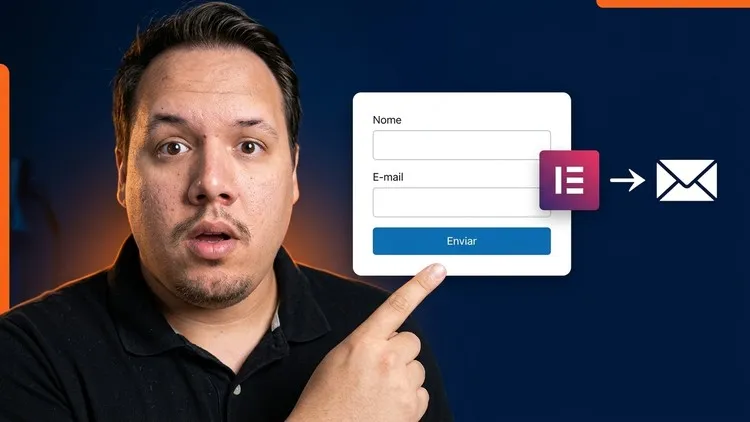
Want to go further?
Lead Capture Pages with Elementor + WordPress | Get More Leads
- Build high-quality lead capture pages with WordPress and Elementor
- Add text, images, buttons and forms to the page
- Customize the design so the page looks good and converts more
Taught in PortugueseThe lessons are recorded in Portuguese, without English captions. Watch the free preview on Udemy before buying to make sure it works for you.

Otávio Marques teaches digital marketing, design and web building, has worked on the web since 2010 and has 1,800+ students on Udemy. Meet the instructor.
Keep reading
Lead capture pages
High-converting lead capture page: the 9 elements you need
Build a high-converting lead capture page: headline, lead magnet, short form, proof, button, thank-you page and integrations.

Instagram that sells
Instagram bio for business: how to write 4 lines that sell
How to write an Instagram bio for business in 4 lines: what you do, who you serve, why trust you and how to contact you.

Instagram that sells
What to post on Instagram for business: the 4 post types that sell
Not sure what to post on Instagram for business? Use the 4 post types that sell: questions, proof, behind the scenes and offers.