High-converting lead capture page: the 9 elements you need
By Otávio Marques · · 3 min read
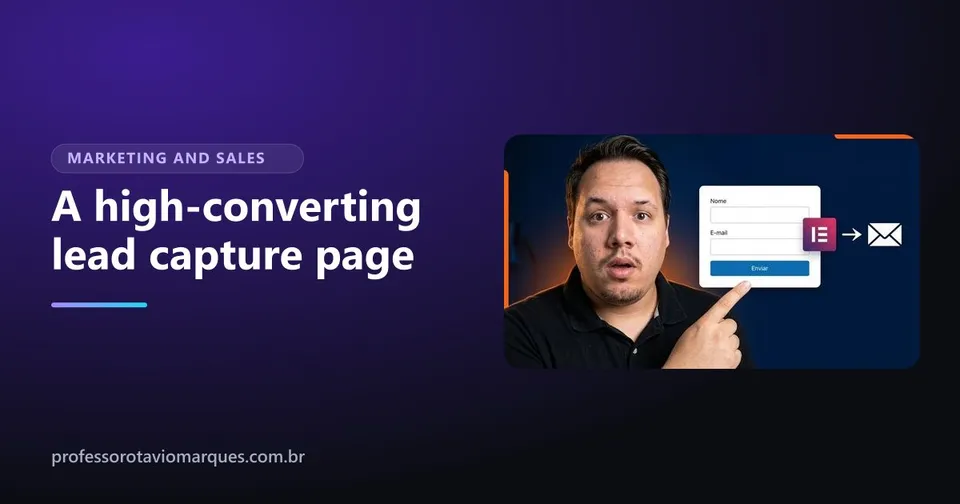
A high-converting lead capture page is not the prettiest one, it is the clearest one. It says in seconds what the visitor gets, asks only for what is needed and offers no way out other than the form. When a page does not convert, one of these nine elements is almost always missing.
If you are still getting the concept, start with what is a lead capture page. Here we go straight to building.
The 9 elements of a high-converting lead capture page
1. A headline that promises a result
The headline is the first thing people read and decides whether they keep going. It should say what they get, not the name of the material. "Checklist: 12 things to review before opening your store" works better than "Download our ebook".
2. A subheadline that answers the next question
Right below, one line that answers "who is this for?" or "how does it work?". For example: "For first-time business owners who do not want to forget anything".
3. An image of the lead magnet
Show the material: the ebook cover, the open spreadsheet, the class screen. Something you can see feels more real and more valuable than something only described.
4. Three to five benefits in a list
Short bullet points on what the person will learn or achieve. Bullets get read; long paragraphs get skipped.
5. A short form
Name and email are enough in most cases. Every extra field is one more reason to give up. If you need more information, ask later, in the email sequence.
6. A button that says what happens
"Submit" is the worst possible button text. Use the result: "Send me the checklist", "Get the free class". A standout color that contrasts with the rest of the page.
7. Proof
Any sign that other people trusted you: number of downloads, a short testimonial, logos of where you have been featured. Only use real proof.
8. No exits
No menu, no links to other pages, no social icons at the top. Every link is a door for the person to leave without leaving their contact.
9. The thank-you page
This is the most forgotten element. After signing up, the person needs to land on a page that confirms it worked, says where the material is and suggests the next step: follow you on Instagram, join a group, check out a product. It is the moment of highest attention, and almost everyone wastes it.
The mistakes that hurt conversion the most
- A slow page. Especially when traffic comes from mobile ads. See how to speed up WordPress.
- A form that goes nowhere. Always test: fill it in yourself and check that the contact reached your list and the email arrived.
- A vague promise. "Exclusive content" says nothing. Say what it is.
- A forgotten mobile version. A cut-off form or a hidden button on mobile kills results.
Integration: the contact needs to go somewhere
The form should send the contact straight to your email marketing tool, like Mailchimp or ActiveCampaign, which sends the material and starts the email sequence. In Elementor, you set this up in the form actions, without code.
Test one thing at a time
After publishing, change one element at a time: the headline, the button text, the lead magnet image. If you change everything at once, you will not know what worked.
Build yours step by step
In the lead capture page course I build a page from scratch in Elementor, with all these elements, create the thank-you page and set up the Mailchimp and ActiveCampaign integrations on screen, so you can follow click by click. The lessons are in Portuguese, so watch the free preview first.
Frequently asked questions
What is a good conversion rate for a lead capture page?
It varies a lot with the traffic source and the offer. The most useful comparison is your page against itself: change one element at a time and see if the rate goes up.
Should I ask for a phone number in the form?
Only if you will use it. Every extra field reduces the number of people who fill in the form. For local businesses that work through WhatsApp, the trade-off can be worth it.
Does a lead capture page need a menu?
No. A menu opens exits that take people away from the goal. The page should have one path only: the form.
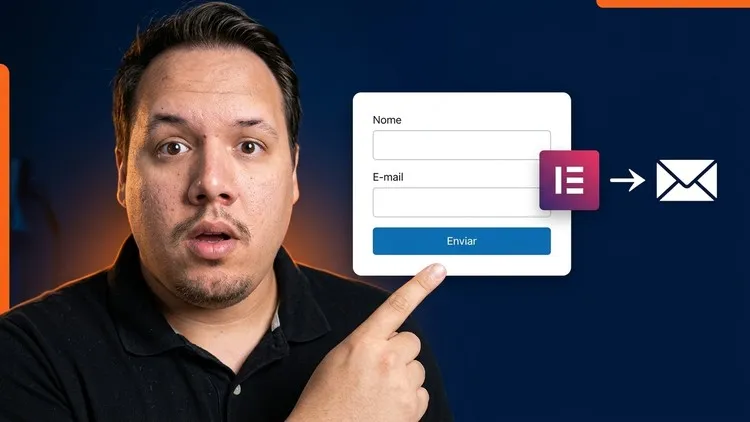
Want to go further?
Lead Capture Pages with Elementor + WordPress | Get More Leads
- Build high-quality lead capture pages with WordPress and Elementor
- Add text, images, buttons and forms to the page
- Customize the design so the page looks good and converts more
Taught in PortugueseThe lessons are recorded in Portuguese, without English captions. Watch the free preview on Udemy before buying to make sure it works for you.

Otávio Marques teaches digital marketing, design and web building, has worked on the web since 2010 and has 1,800+ students on Udemy. Meet the instructor.
Keep reading
Lead capture pages
What is a lead capture page and why it beats your homepage
Understand what a lead capture page is, how it works, what to offer in exchange for contact details and when it beats your website.

Instagram that sells
Instagram bio for business: how to write 4 lines that sell
How to write an Instagram bio for business in 4 lines: what you do, who you serve, why trust you and how to contact you.
Instagram that sells
What to post on Instagram for business: the 4 post types that sell
Not sure what to post on Instagram for business? Use the 4 post types that sell: questions, proof, behind the scenes and offers.